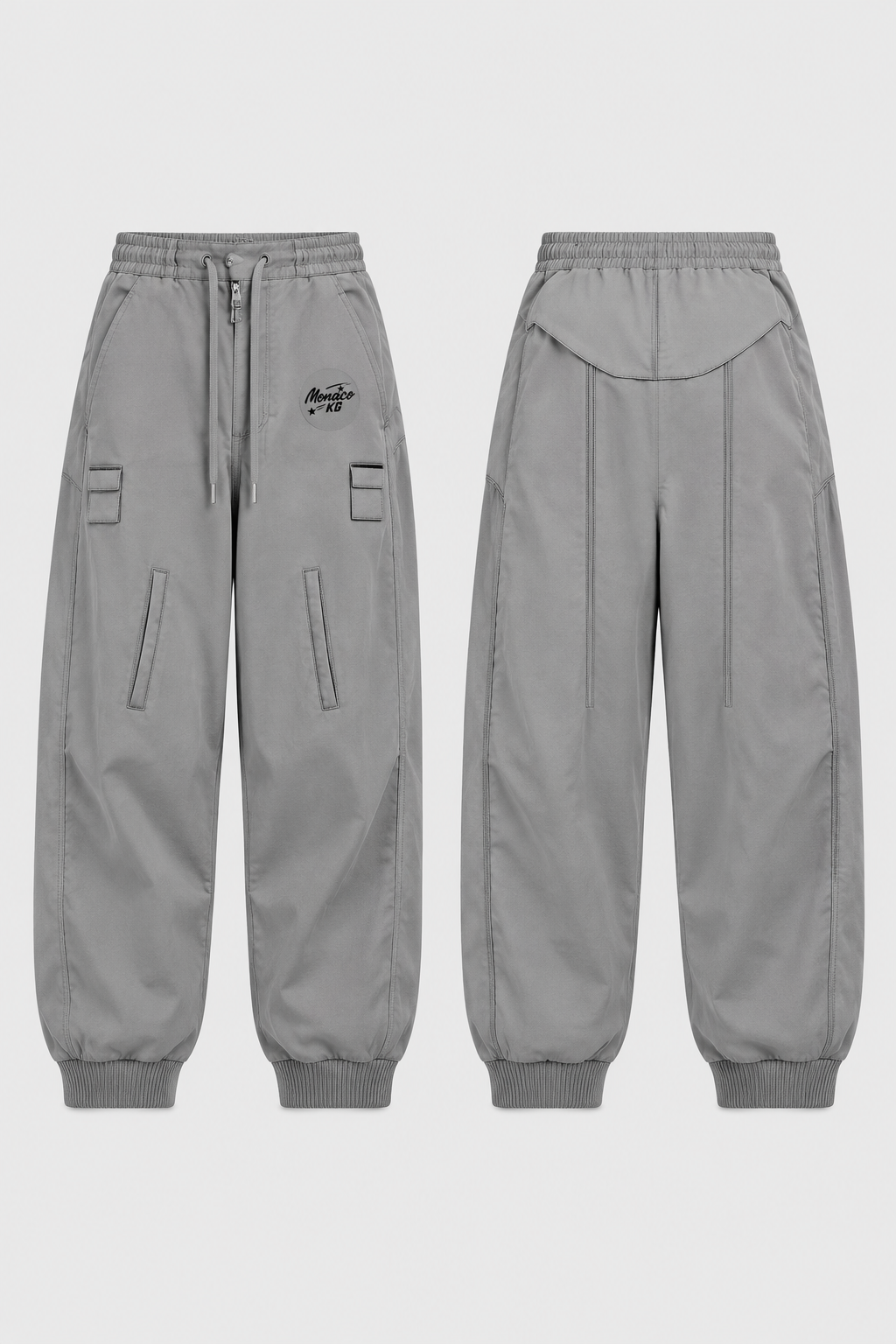
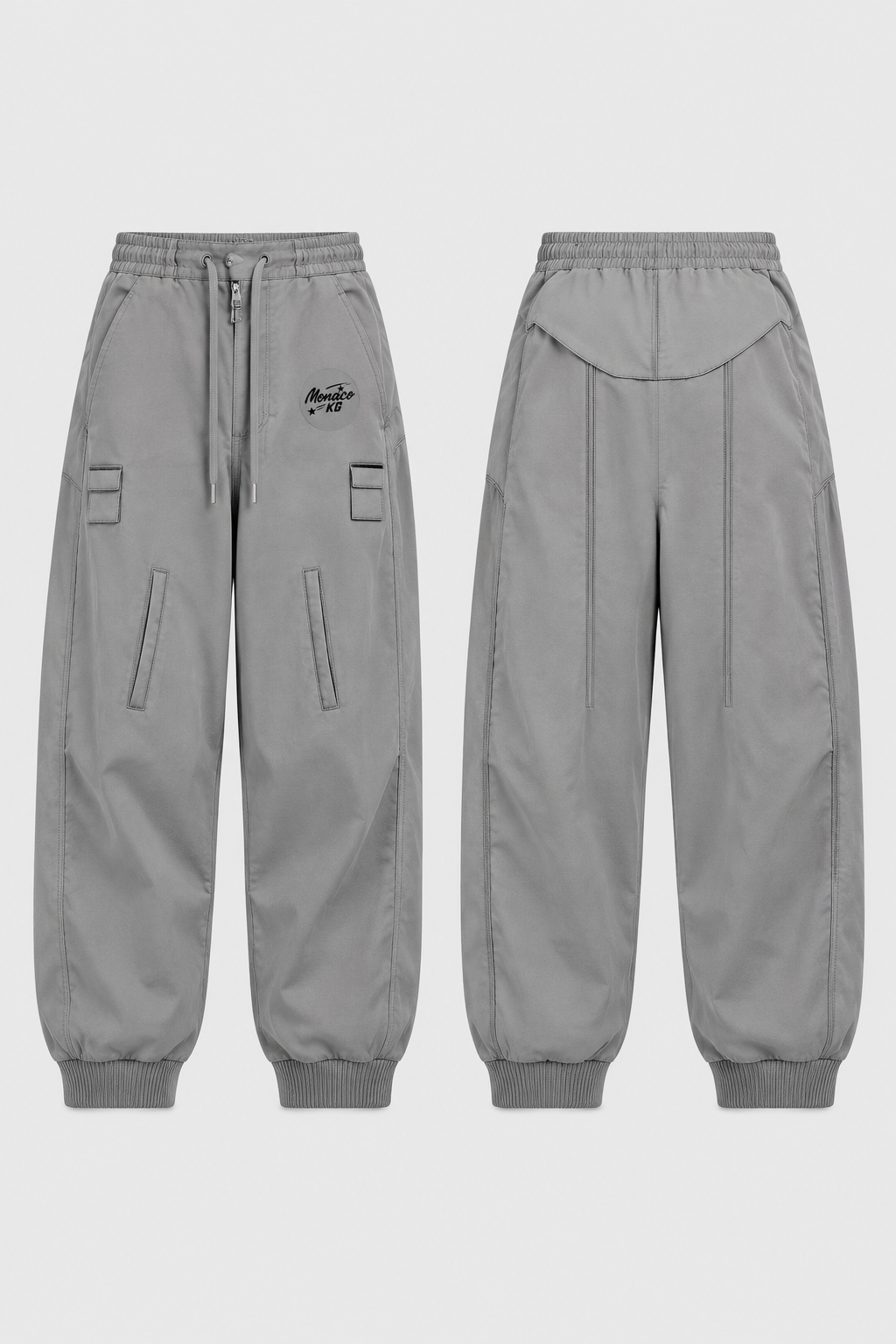
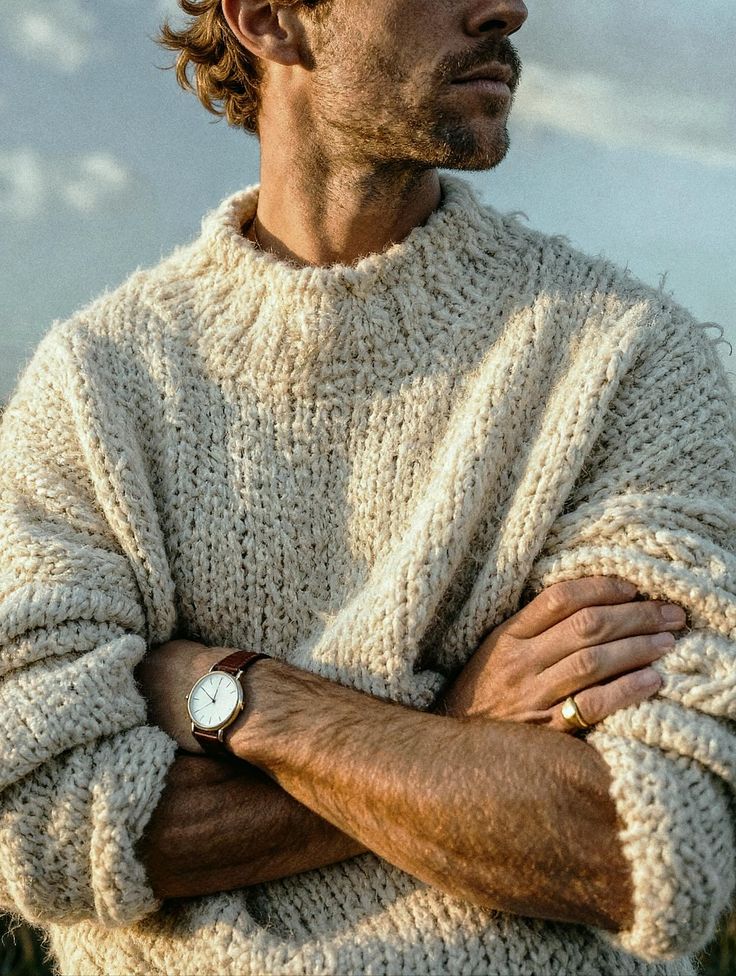
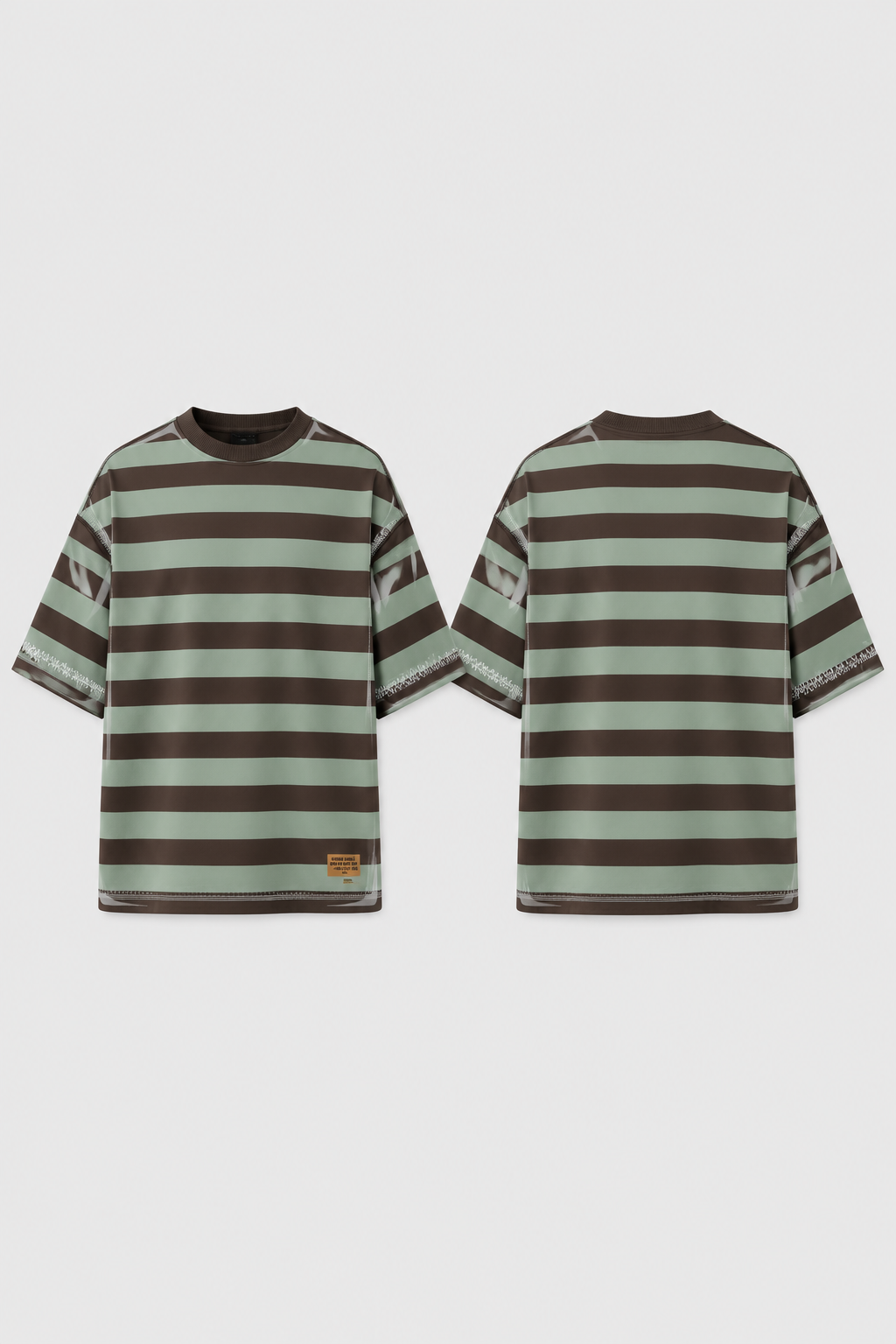
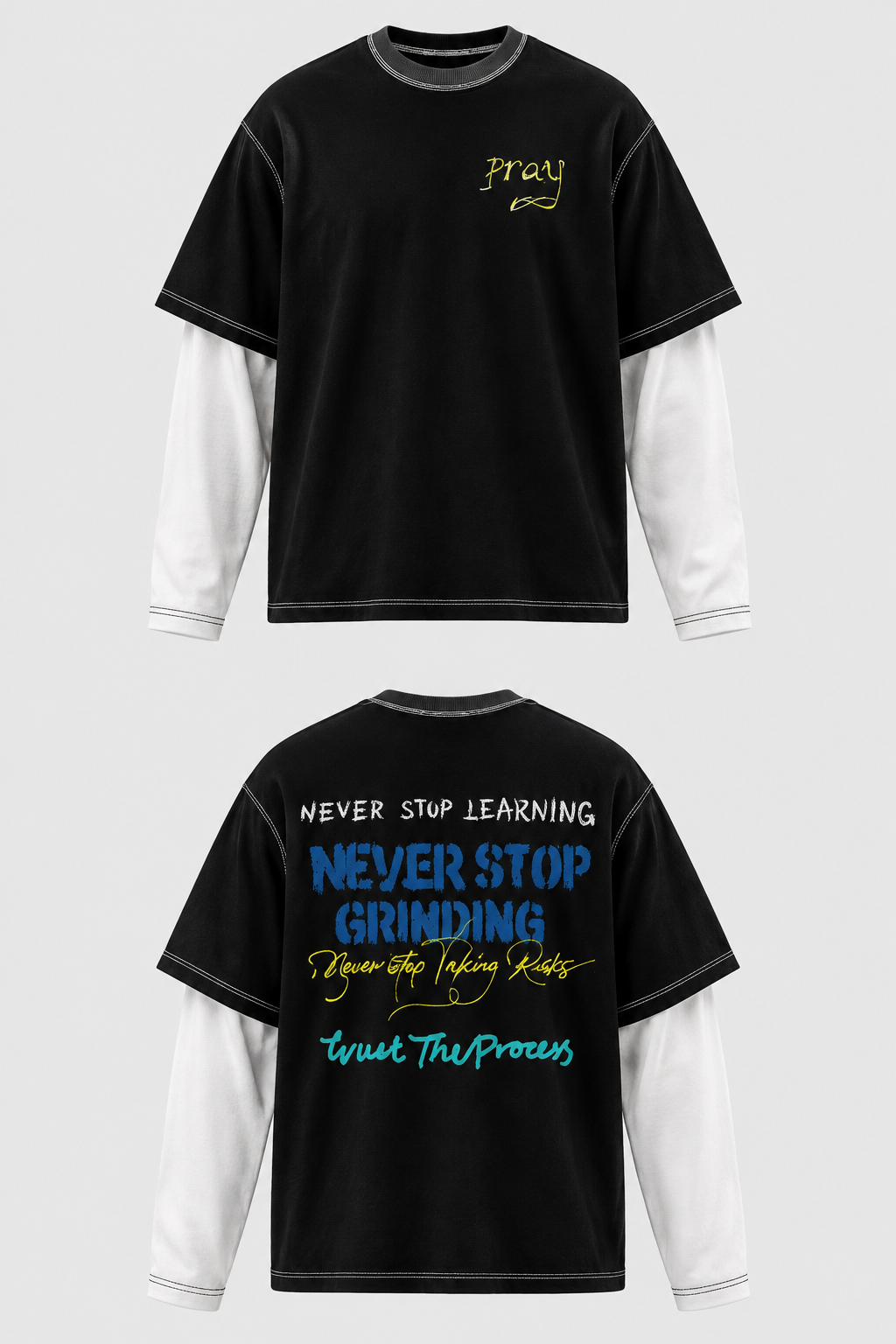
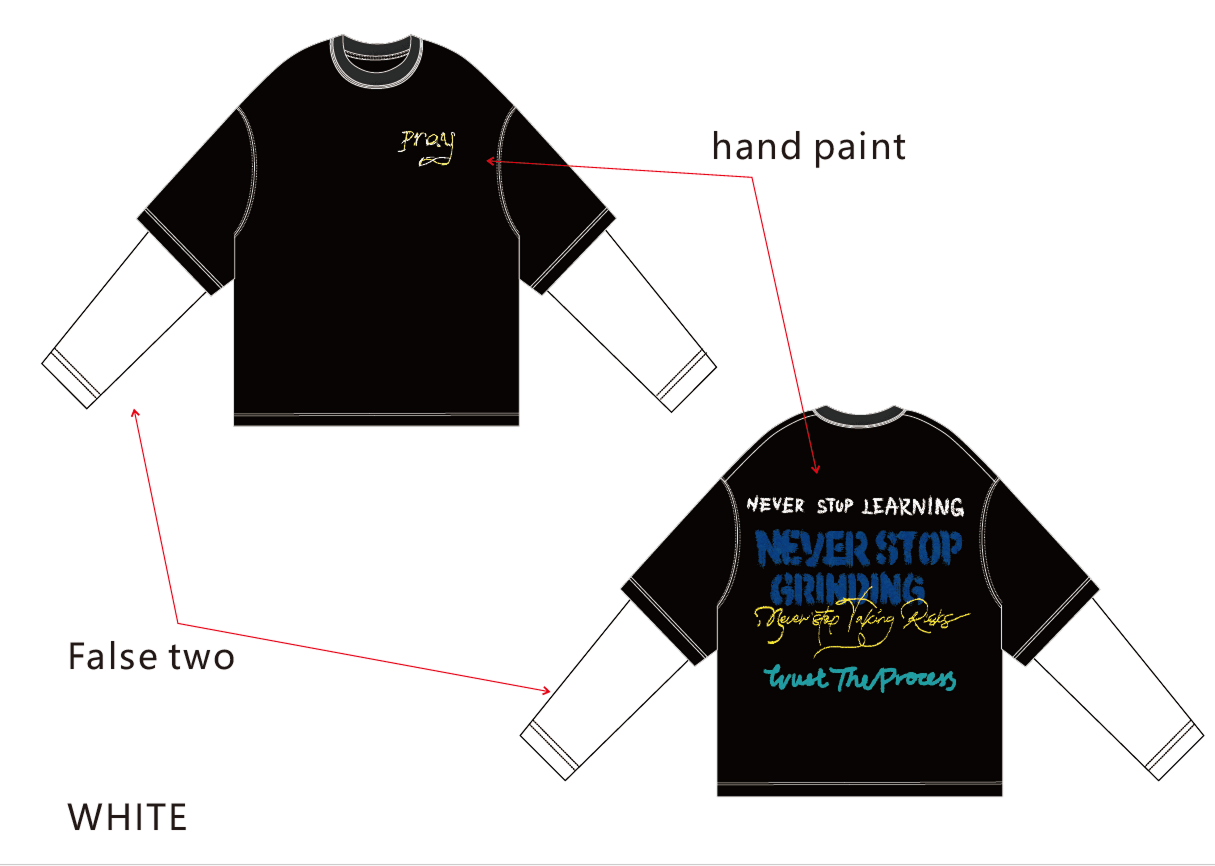
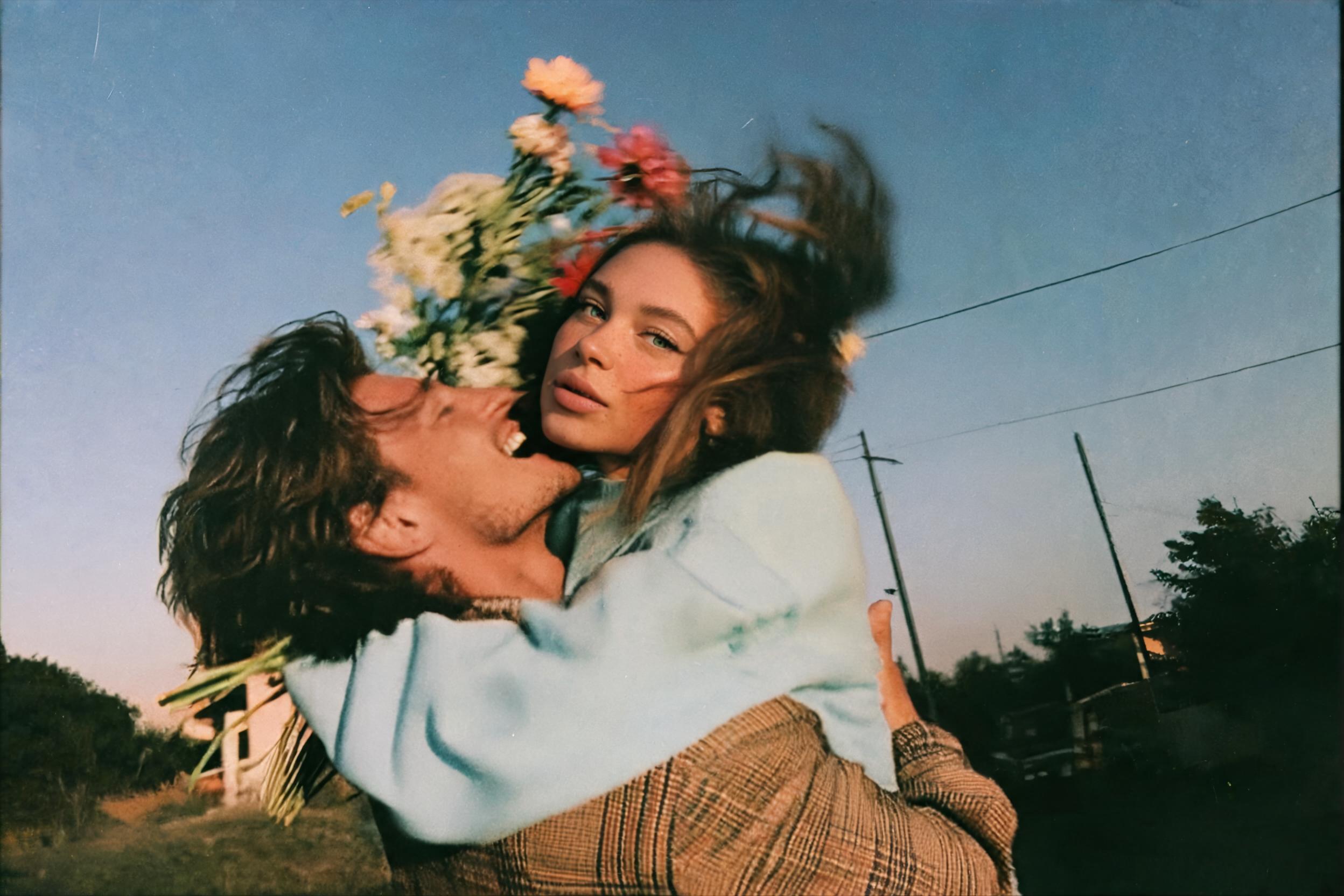
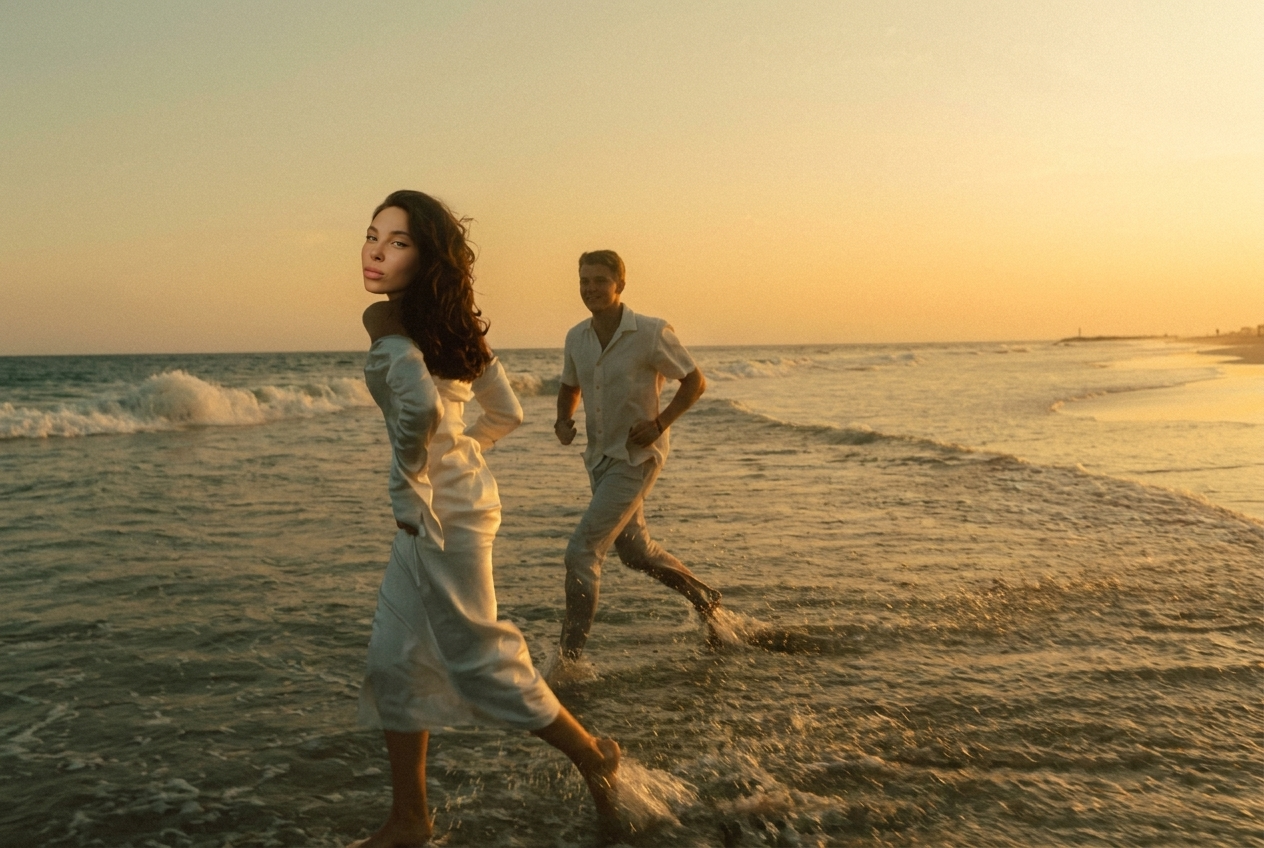
Create a professional e-commerce product photo of trousers based strictly on the attached technical drawing. — Image 1: technical flat / pattern with annotations. Follow it exactly: silhouette, length, leg width and flare, waistband, rise, seams, pockets, stitching, darts, closures and all construction details. Read every annotation on the drawing and place each element exactly where it is marked (position, size, colour, technique — e.g. embroidery, print, patch). — Image 2: the brand logo. Reproduce it exactly as given — same shape, proportions and colours, no changes, no extra text — and place it only where the drawing indicates. — Image 3: style reference for the presentation only. Match its background colour exactly (flat light grey #EDEDED, evenly lit, no gradient, no vignette, no texture), the same soft even studio light, the same subtle shadow, the same scale and framing of the garment. Do not take the garment design, colour or any details from image 3. Fabric: [describe it: e.g. heavyweight black cotton twill / washed blue denim / stretch jersey], realistic texture and natural folds. Colour: [colour]. Presentation: show the trousers from the front and from the back side by side, laid flat (or on an invisible mannequin / ghost mannequin), centred, fully in frame. Background: exactly the same flat light grey #EDEDED as in image 3, identical across the whole image, edge to edge. High detail, sharp focus on stitching and logo. Premium minimalist streetwear brand catalogue. No model, no props, no text, no annotations or measurements on the final image. 4:5.
Free to start · Generate videos and images with AI in seconds